





#BeAProAgainstCons with OCBC's security measures and anti-scam tips
The ‘Manage your overseas card usage’ feature allows you to control whether your card(s) can be used for ATM cash withdrawals or card payments using the magnetic stripe when you are travelling overseas.
You can still use your card(s) to make transactions via your chip on card (EMV) for overseas point‑of‑sale purchases, ATM withdrawals, contactless payments, mobile wallets, and online transactions even if the magnetic stripe is not activated. For your security, please note that the EMV chip cannot be disabled.
To keep your card secure, overseas magnetic stripe (magstripe) transactions are disabled by default. Should you require ATM withdrawals or payments using the magnetic stripe (magstripe) while overseas, you can enable it via OCBC Internet Banking/the OCBC app.
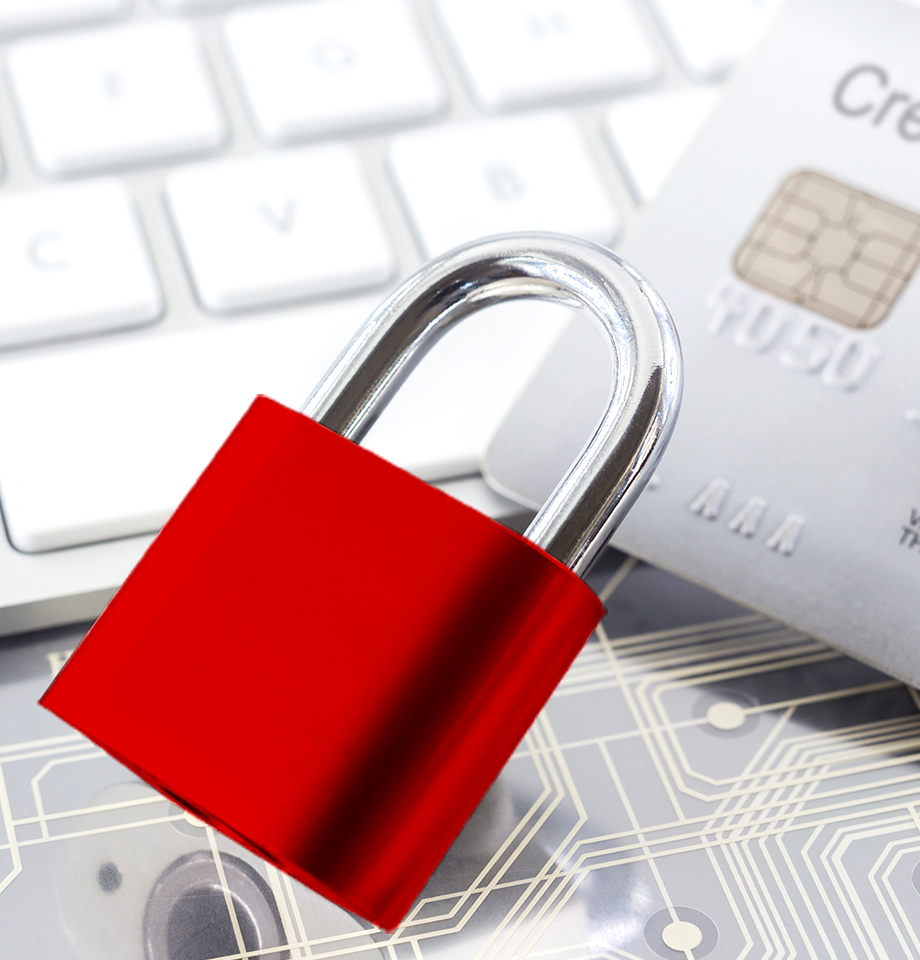
Protects you against criminals
Deactivating overseas usage for your card(s) is an extra form of protection against scammers and other criminals who may try to use your card(s) (or cloned copies) abroad, should your card(s) or card details accidentally fall into the wrong hands.

Prevents unauthorised withdrawals
Once you activate your debit card for overseas ATM cash withdrawal (or your credit card, if it has been tagged to your current or savings account), we will, by default*, send you an SMS every time more than S$1 is withdrawn. This ensures no withdrawals can take place without your knowledge.
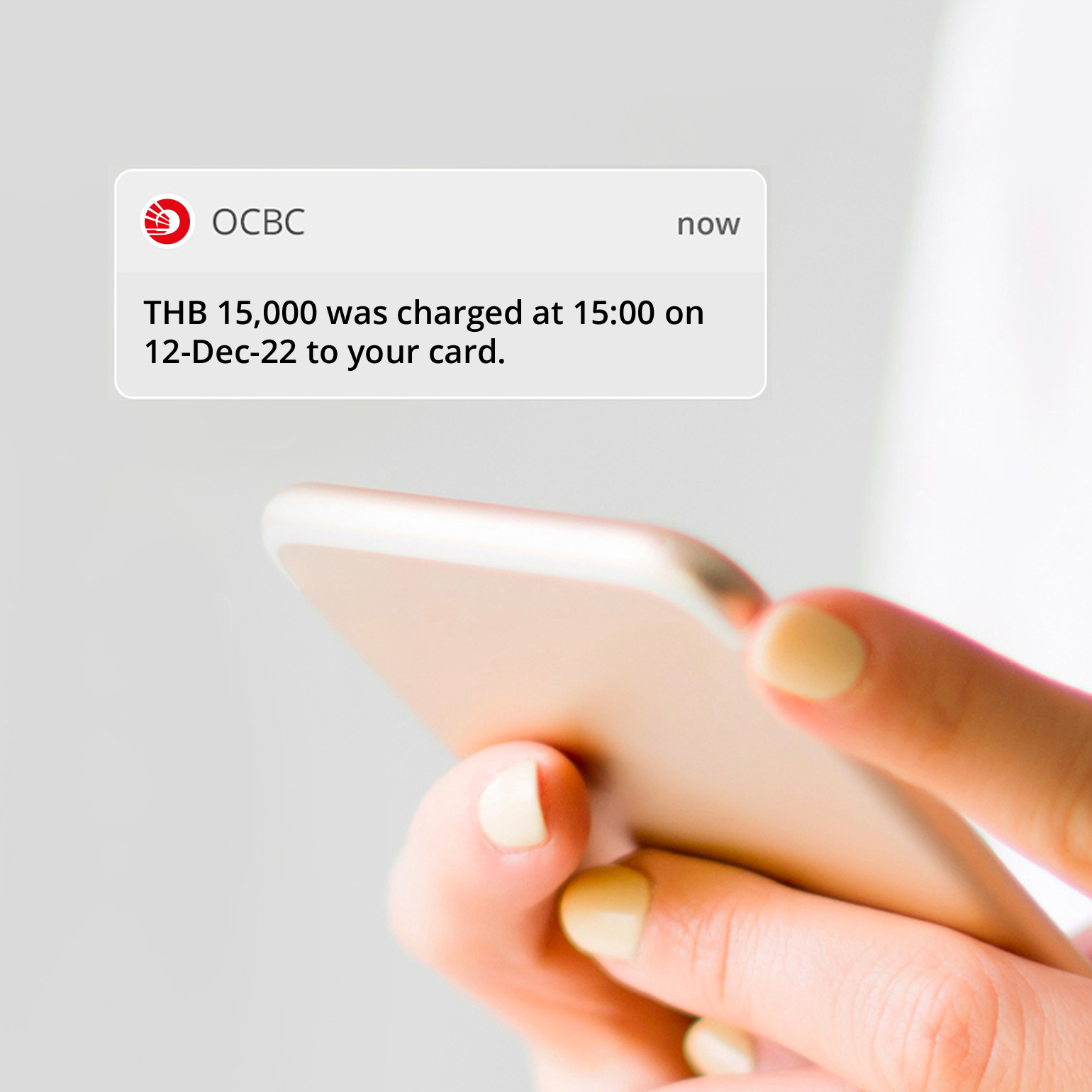
Provides alerts when purchases are made with your card(s)
When you activate your card(s) for overseas purchase or cash advance, we will, by default*, send you an SMS every time a purchase above the pre-set threshold amount is made using your card(s). This gives you more visibility on overseas transactions made using your card(s), allowing you to spot early if your card(s) or card details have been misused.
*You may change your SMS notification settings via OCBC Internet and the OCBC app, including lowering your threshold limits for transaction alerts, to suit your preferences.
- Only enable the feature(s) – overseas ATM withdrawals and/or overseas payments (via magstripe) – that you need
- To prevent unauthorised use, deactivate overseas use for your card(s) once you return to Singapore
You can activate or deactivate overseas use for your card(s) via:
- OCBC Internet Banking and the OCBC app (immediate activation or deactivation)
- SMS (immediate activation or deactivation)
- Mail-in forms (activation or deactivate will take up to 7 working days)
You can activate or deactivate the overseas purchase feature (magstripe) via: