







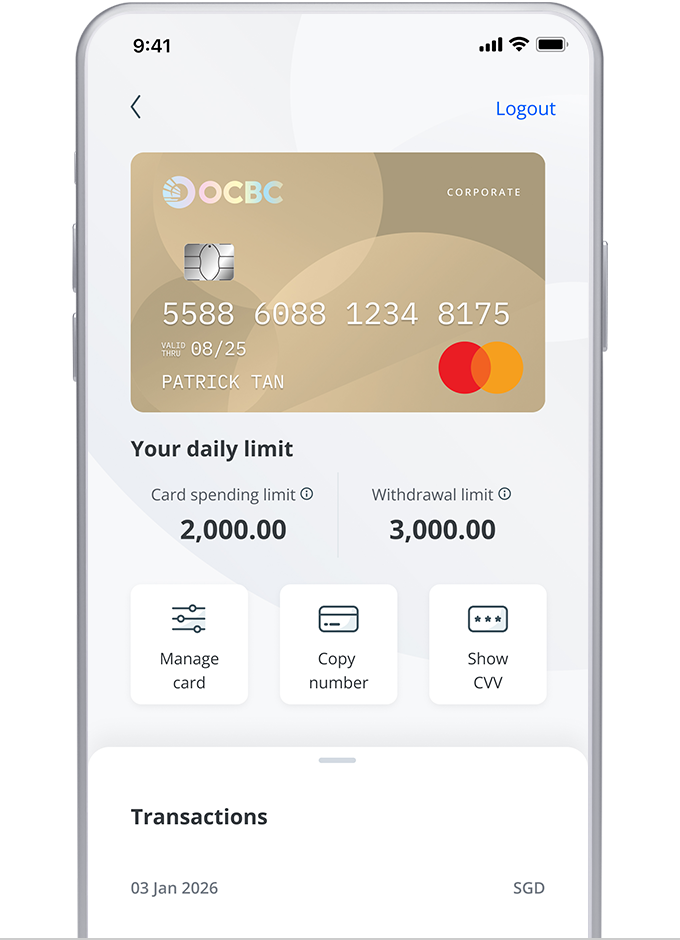
Corporate debit card

Simplifying everyday corporate payments

Why you will love this

Get 1% cashback on online spend

Get 0.2% unlimited cashback on all other spend

No cashback cap, minimum spend and annual fees

Read in

INTRODUCING THE NEW OCBC CORPORATE DEBIT CARD

The OCBC Corporate Debit Card makes managing your daily expenses simple and secure. It gives you control over spending, empowers your teams to make purchases and helps you track expenses conveniently – all while earning unlimited cashback.

Benefits

*Refer to the Terms and Conditions for the list of qualifying transactions.

FAQs
Common questions
How do I activate my new Corporate Debit Card?

For security reasons, you will need to activate your Corporate Debit Card before you can use it.

Activate your card via SMS
Send an SMS to 72323 with ACT <space> Your NRIC/passport no. <space> Last 4 digits of card no. If you are overseas, please SMS to +65 93272323.

Activate your card via OCBC Business App
Log in to OCBC Business App, go to Accounts and select your linked Corporate Debit Card. Then, go to Manage Card and tap on “Activate“.

Can I make cash withdrawals using the Corporate Debit Card from ATMs outside of Singapore?

Yes, you may make cash withdrawals using your Corporate Debit Card from ATMs when you are overseas. However, the ATM must be able to accept the 6-digit PIN. Please match the card association logo on your Corporate Debit Card to the ATM, for example: MasterCard-Cirrus.

How do I add my Corporate Debit Card to my Mobile Wallet?

To add your Corporate Debit Card to your mobile wallet, please toggle the “Mobile Wallets” setting in the OCBC Business Mobile App. Refer below to see the step-by-step guide.

OCBC Business Mobile App

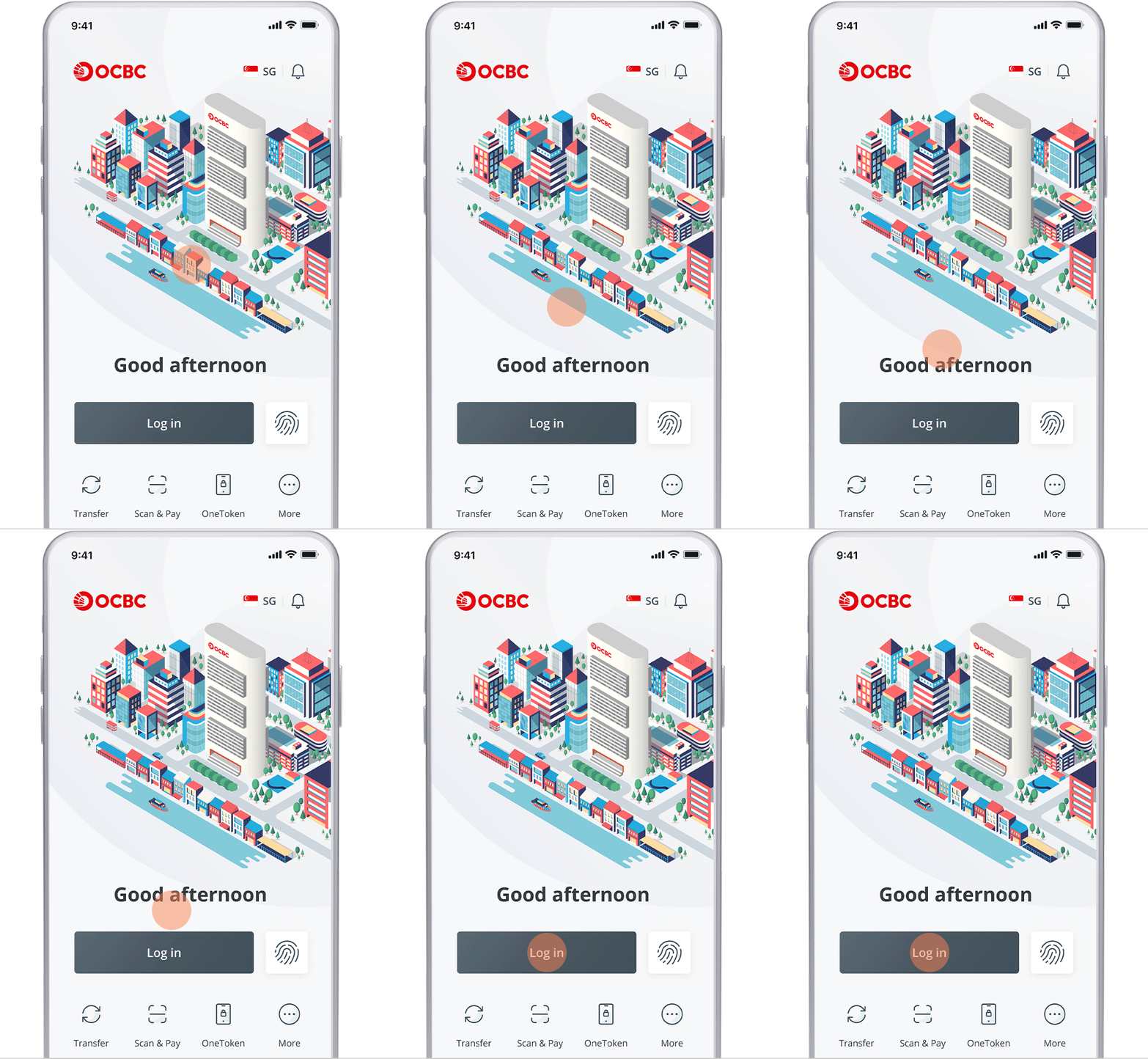
  1. Log in to the OCBC Business Mobile App
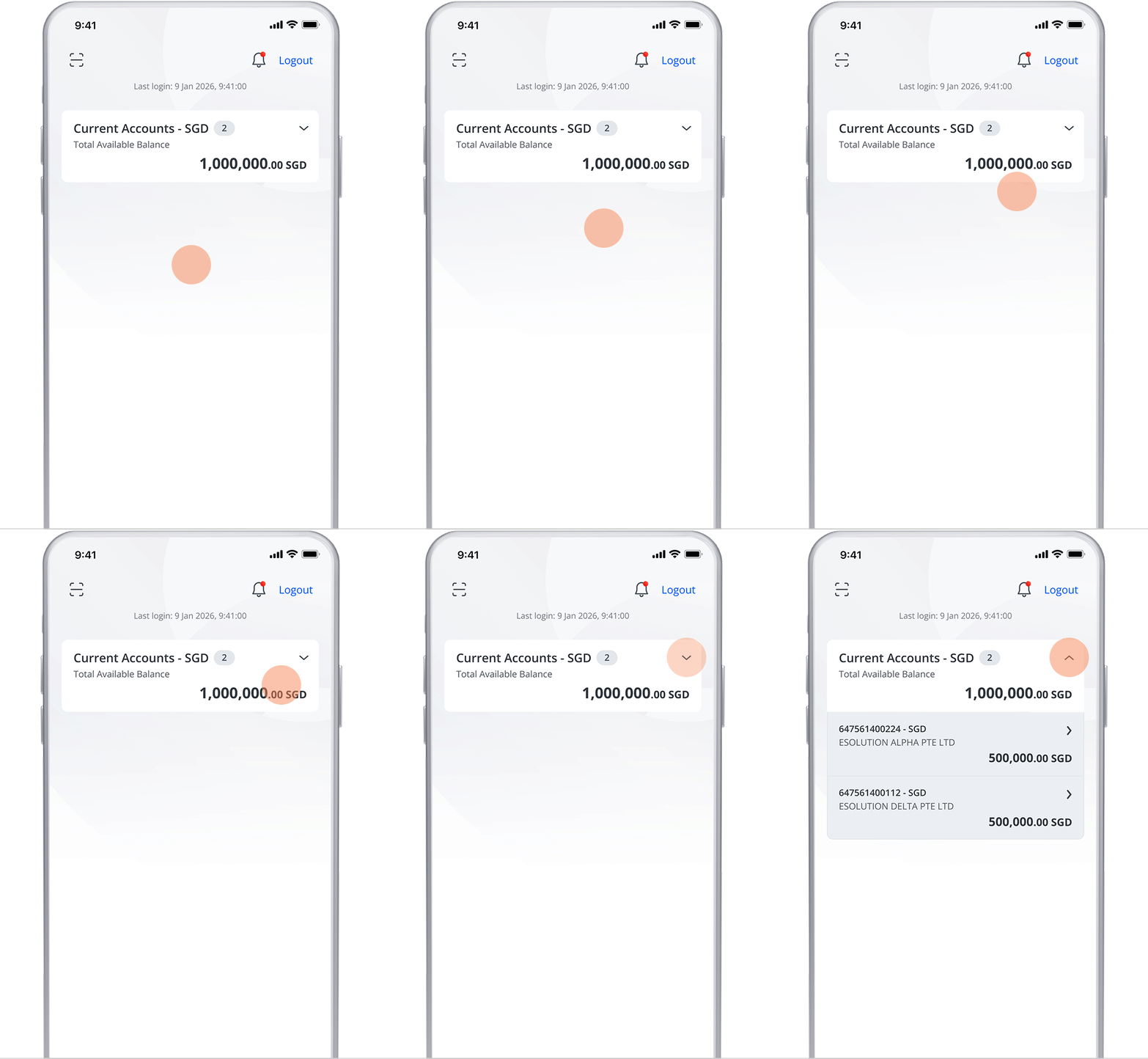
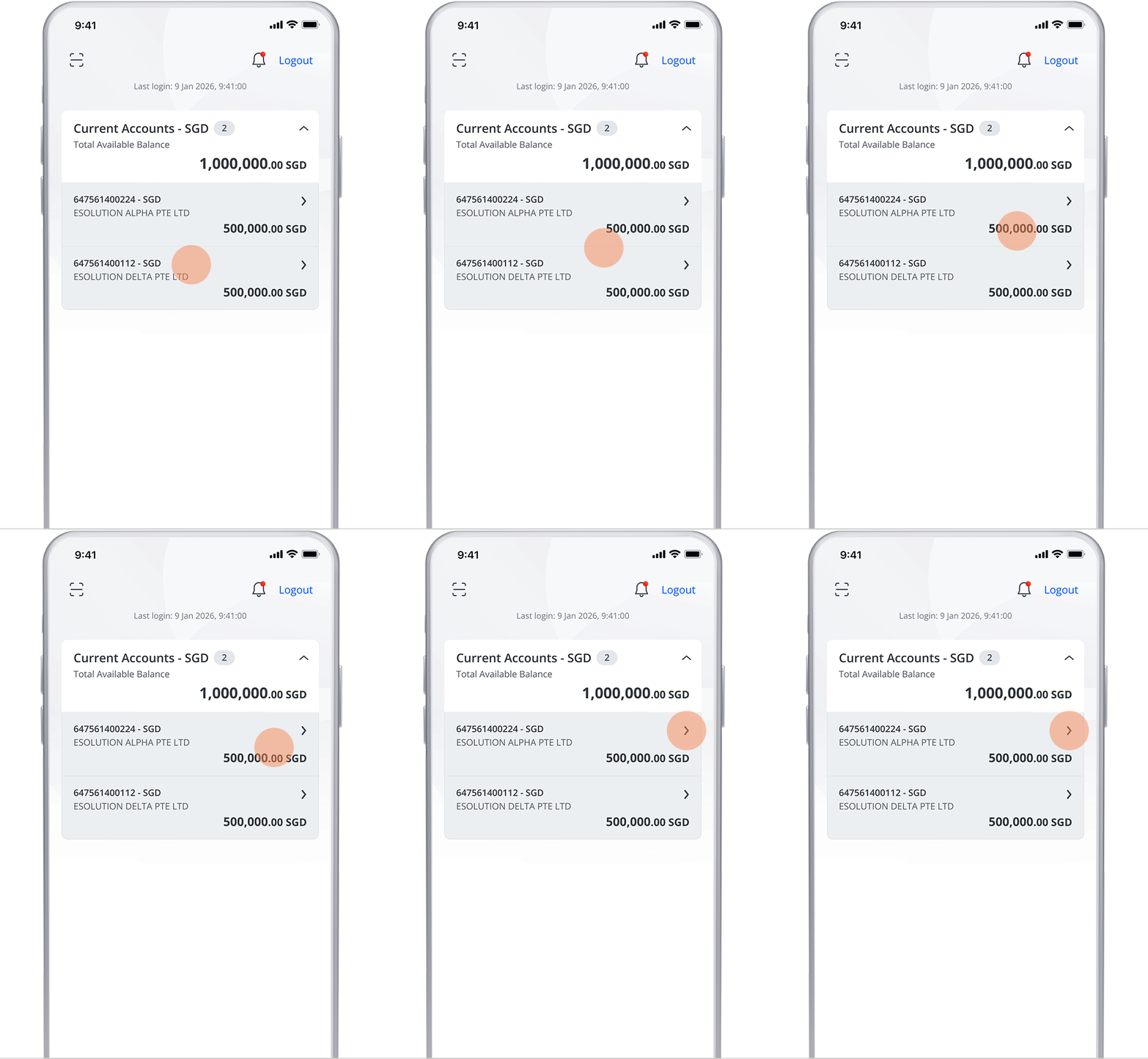
  2. Go to Accounts and select the linked account
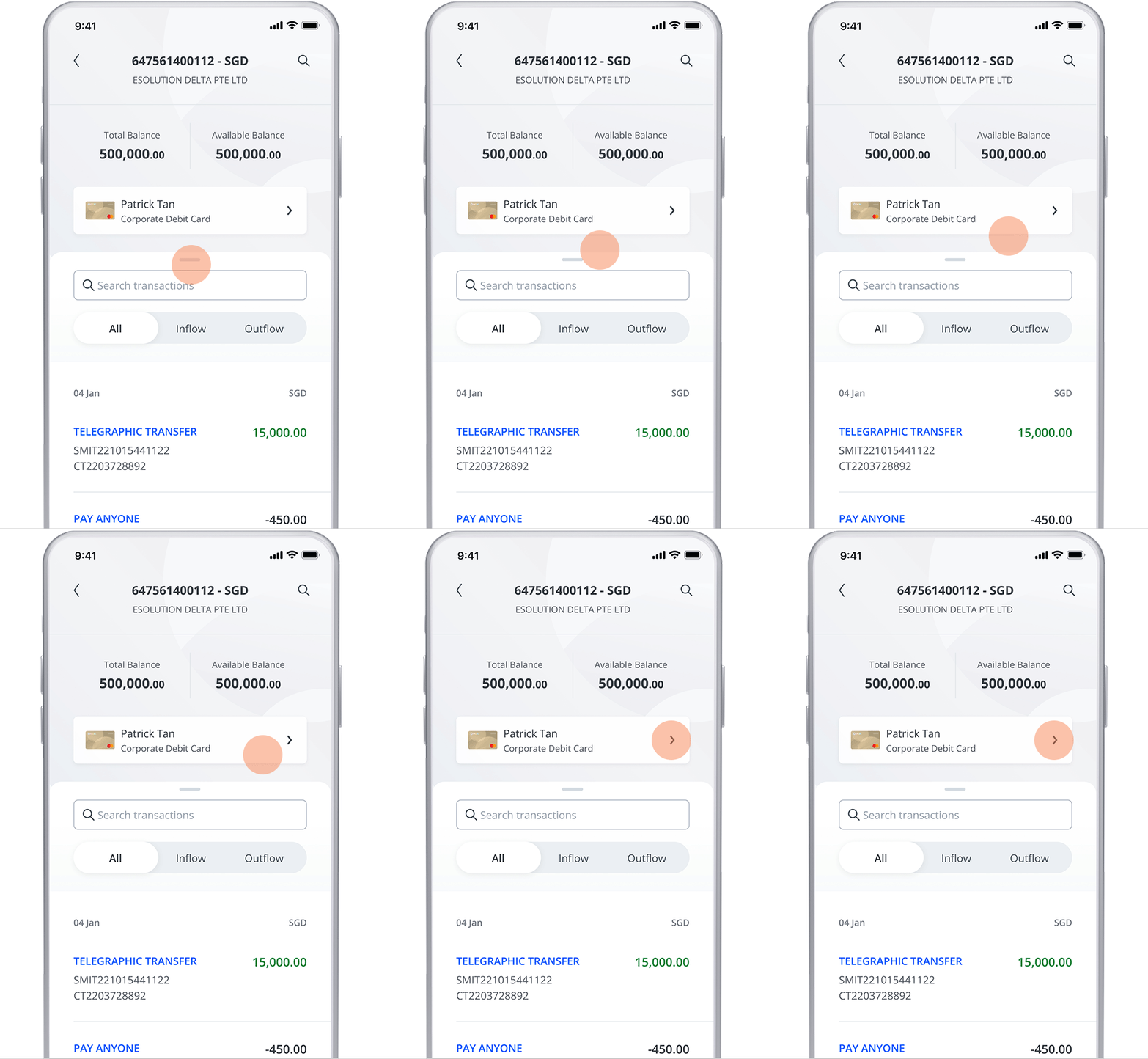
  3. Tap on the Corporate Debit Card
  4. Turn on Mobile Wallets feature
  5. Go to your mobile wallet and add the Corporate Debit Card.
How do I increase the daily limit for NETS/ATM withdrawal and/or spending limit for my Corporate Debit Card? What is the maximum limit that I can increase for my spending and withdrawal?

You may submit a request through the OCBC Corporate Debit Card Maintenance Form.

Maximum limit for spending: $50,000
Maximum limit for NETS/ATM withdrawal: $5,000

Please note that it may take up to 7 business days to process your request.

How do I reset my Corporate Debit Card pin?

You may reset your PIN via the OCBC Business Mobile App or submit a request through the OCBC Corporate Debit Card Maintenance Form.

Please note that it may take up to 7 business days to process your request.

What is a digital card?

A digital card is the debit or credit card that you can easily access from the OCBC Business Mobile App after the approval of your application.

The digital card will have the same card number and expiry date as the physical card that you will receive. The only difference between the digital card and physical card is that of the CVV.

Follow this guide to learn how to access your digital debit card details and start using it. Please ensure that your OCBC Business Mobile App is updated.

What can my digital card be used for? Are there any restrictions that come along with using my digital card?

Your digital card can be used for online and in-app purchases (e.g. on mobile wallets like Apple Pay, Samsung Pay and Google Pay) as well as recurring payments.

Note that for your safety, the bank will decline digital card transactions whereby the eCommerce merchants do not request for your digital CVV (the 3 digits beside the signature panel at the back of the card image).

To transact at these merchants, you will need to first activate your physical card.

When will the CVV of the digital card be valid till?

The CVV of the digital card will remain valid till its expiry date or when you activate the physical card.

Is there a need to re-enter my card details when I receive my physical card?

If you have already used the digital card before activating your physical card, we recommend that upon activating your physical card, you should re-enter card details for eCommerce and card-on-file transactions. There will be no need to re-provide the card details for recurring payment, e.g. insurance premiums and Mobile Wallet transactions.

Ready to apply?

Get your Corporate Debit Card now