OCBC OneCollect - Digital Merchant Solution | OCBC Business Banking Singapore

OCBC OneCollect App

OCBC OneCollect App
Digital Merchant Solution

Why your business needs this

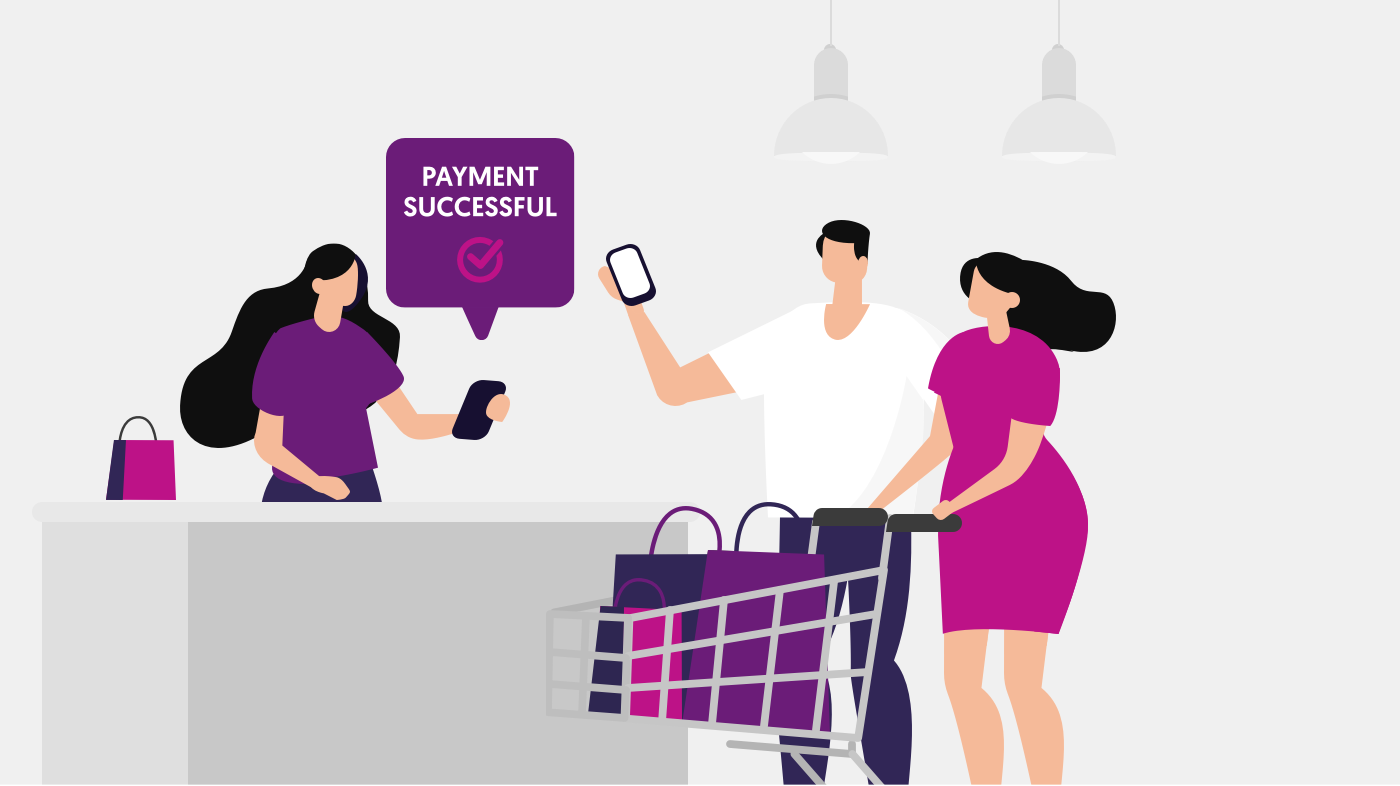
Get notified when payment is received at point of sale

Receive payment instantly to your business account

Lower Cost QR-based merchant solution in Singapore

Eligible for customers with

Existing OCBC SGD Business Account

Must be registered to PayNow and Velocity@ocbc

Whether you are a retailer, F&B or service provider, collect payments instantly and manage transactions easily with OCBC OneCollect.

WHAT IT DOES

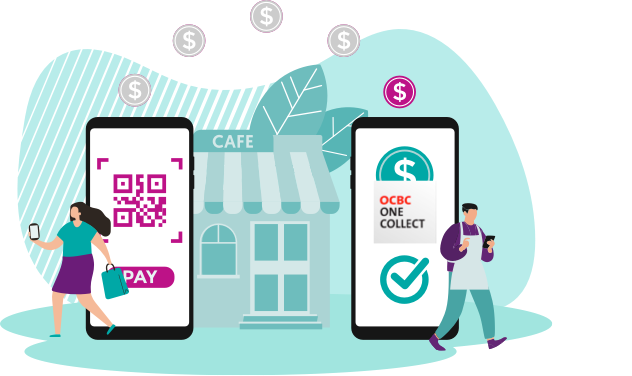
OCBC OneCollect helps merchants collect payments through PayNow QR.

OCBC OneCollect digital merchant solution integrates PayNow QR for real-time collection, notification and transaction management. You no longer need to check if customers have paid at point of sale, wait for days to receive payments and waste time on paper-based reconciliation.

This app is intuitively designed for business owners and frontline staff to just download and start collecting with little technical knowledge required. Whether you are a retailer, F&B or service provider, you can save on merchant commission and skip the hassle of setting up or renting a point-of-sale equipment.

With OCBC OneCollect, your customers can pay with ease through the scan-and-pay apps from any of the 9 participating PayNow banks* in Singapore.

KEY BENEFITS

Get Paid. Get Notified. Be Assured.

Business owners and frontline staff can now speed up collection of payments from customers and improve business cash flow. With OCBC OneCollect, you no longer need to check if customers have paid, or wait to receive cheque and credit card payments.


Reconcile Automatically. Useful Reporting. Save Time & Money.

Automatically consolidate your transactions across multiple businesses and get an overview of your daily sales in one place. Improve your business operations with OCBC OneCollect at no additional cost.


Download. Scan. Collect.

OCBC OneCollect is intuitively designed for simple set up. As a mobile app, you can add new users and terminals for your business on the go, as well as utilise your counter space better. It is also great for roadshows and pop-up events as you can easily add more points of sale anytime.

Testimonial

Itacho Sushi - Mr Lim Zhi Seng, Operations Manager

Itacho Sushi - Mr Lim Zhi Seng, Operations Manager

"We want to avoid long lines at the cashier so payments must be quick. OCBC OneCollect’s notification feature is very useful as it immediately alerts us after a successful transaction – we no longer have to check our account balance or trouble customers to show us their confirmation message"

Promotion

Fees are waived!

Use the OCBC OneCollect app for free with no transaction fees, from now till 31 December 2020. Try our QR payment collection solution and help your business improve its cash flow.

Before you apply

Eligibility requirements

Have an OCBC Business Account

You need an OCBC SGD Business Account. If you do not have one, you can apply online.

Be PayNow registered

Your OCBC Business Account is registered to PayNow

Have an Android or iOS device

Screen sizes of between 4.7 inches to 6.2 inches
iOS version 12 to 13
Android OS version 6 "Marshmallow" to 9 "Pie"

Have access to Velocity@ocbc

Subscribe to Velocity@ocbc

*Participating PayNow banks

OCBC Bank, Bank of China, Citibank Singapore Limited, DBS Bank/POSB, HSBC, Industrial and Commercial Bank of China Limited, Maybank, Standard Chartered Bank, and UOB


Fees

Setup fee

N.A

Transaction fee

OCBC OneCollect is free to use till 31 Dec 2020. Thereafter, a monthly fee of 0.25% of total funds collected monthly through QR will be charged for use.

Service fee

N.A

HOW TO GET STARTED

Not an OCBC Business Banking customer?

Open your OCBC Business Account and get free access to OCBC OneCollect! Instantly open your account online and get your account number on the spot.

Learn more

DOWNLOAD THE APP

Download OCBC OneCollect now

Frequently Asked Questions
Eligibility to use OneCollect

Who is eligible to apply?

OCBC Business Banking customers who have access to Velocity@ocbc Standard package or the Classic Service Package and have linked PayNow to at least one of their current account.


What devices will OCBC OneCollect work on?

We can support devices that can access to Google Play and App Store of the following screen size and operating system versions.

  • Screen sizes of between 4.7 inches to 6.2 inches
  • iOS version 12 to 13
  • Android OS version 6 "Marshmallow" to 9 "Pie"
Registration and login to OCBC OneCollect

How do I register for OCBC OneCollect?

You can either:
Login to OCBC Business Mobile Banking app.
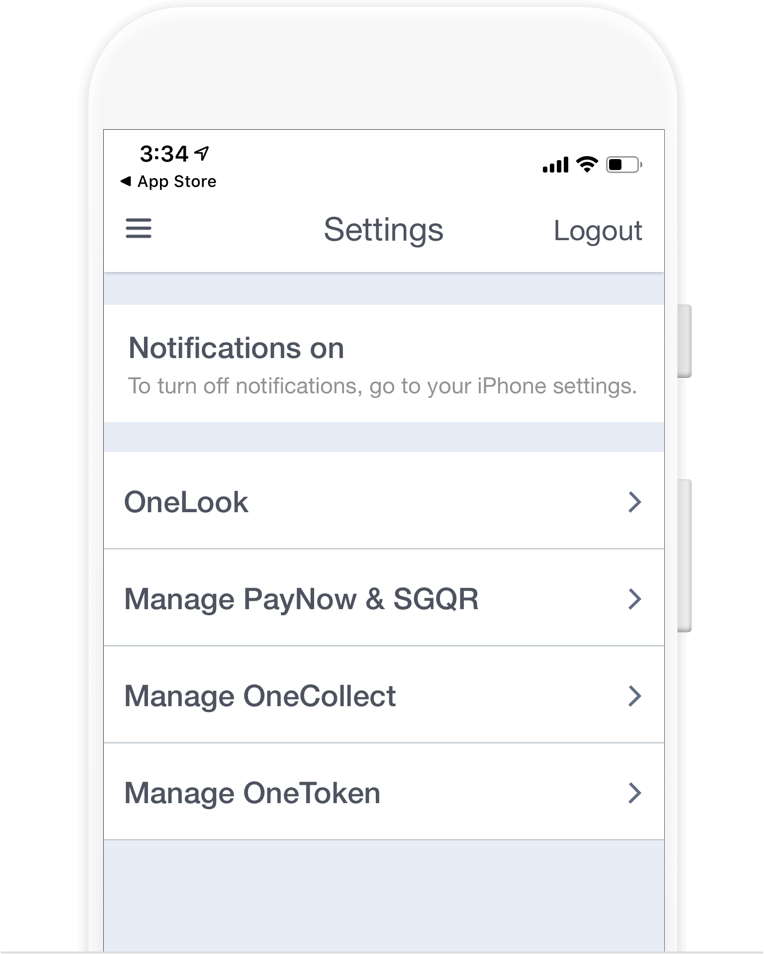
On menu icon, select “Settings” > “Manage OneCollect”
Register your OneCollect Admin Mobile Number and follow the on-screen instructions.

OR

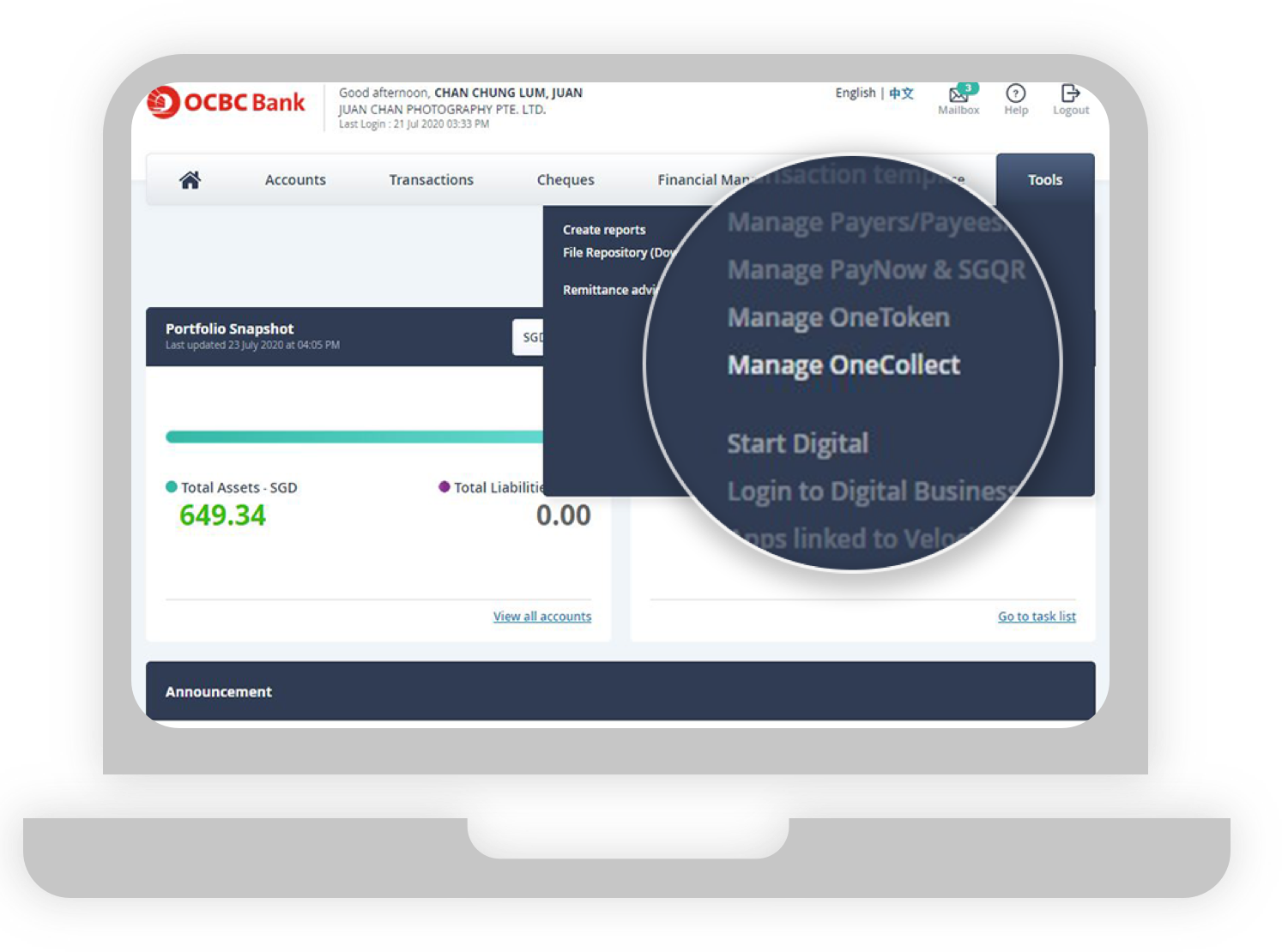
Login to Velocity@ocbc.
In menu bar, select “Tools” > “Manager OneCollect”
Register your OneCollect Admin Mobile Number and follow the on-screen instructions.


How do I download OCBC OneCollect app?

Download the OCBC OneCollect app at Google Play or App Store. Search “OCBC OneCollect”


Why can’t I complete my OCBC OneCollect login?

Ensure that you have properly subscribed for the use of OCBC OneCollect on Velocity@ocbc.

Using OCBC OneCollect for the first time

What is the first thing I need to do once I have downloaded the OCBC OneCollect app?

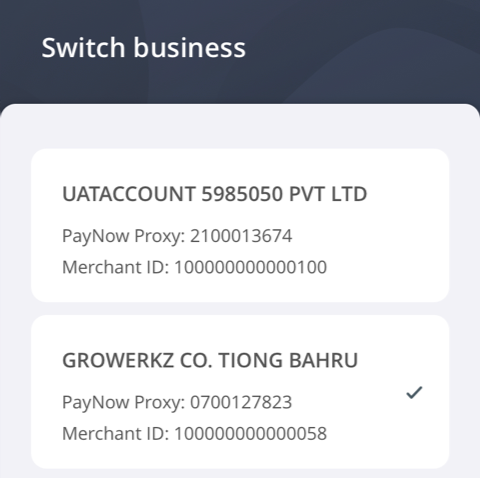
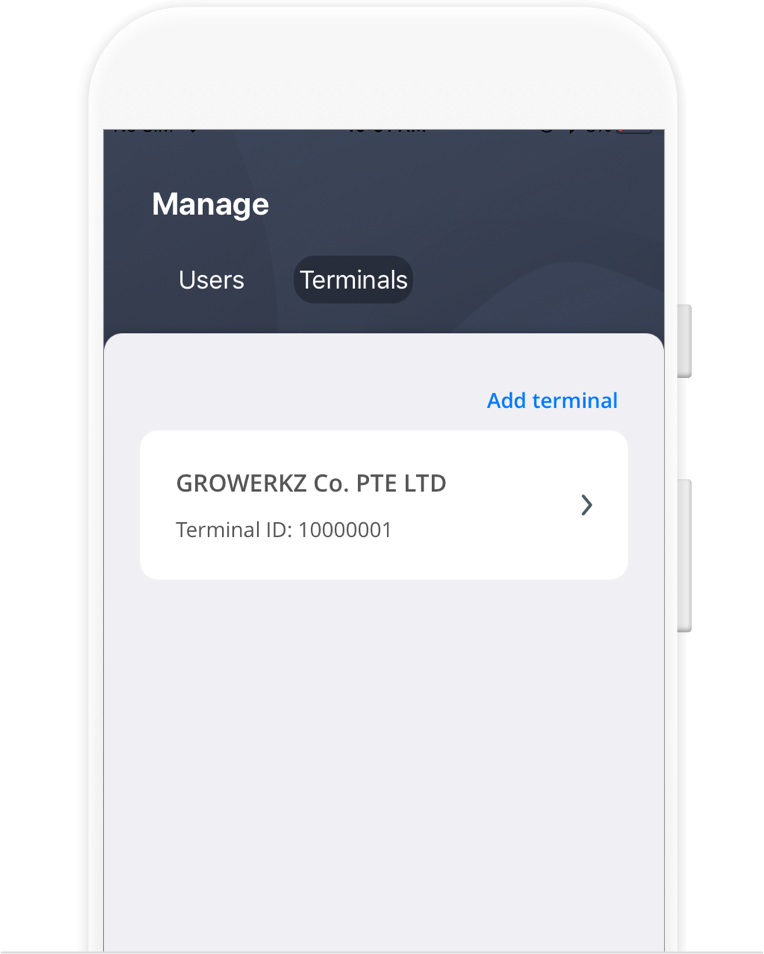
Open the app and log in using the registered mobile number. An OTP will be sent to the registered mobile number to complete the log in process. Once in the app, tap on “Manage”, “Terminal” and then “Add terminal” to represent your retail location. If you have several retail locations, repeat the above process.

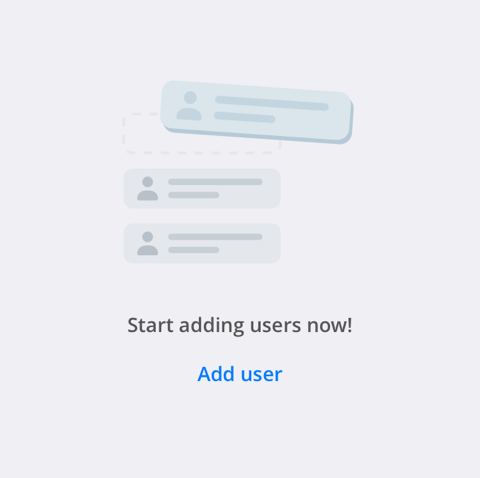
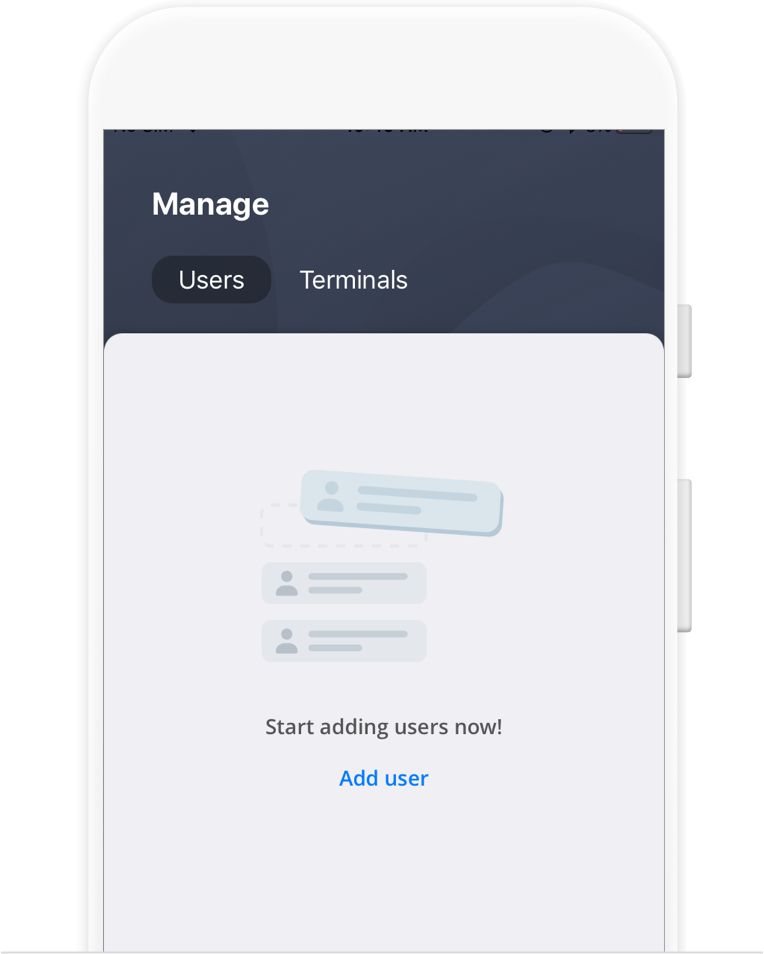
Next, add your staff that would use the app to collect by PayNow QR. Tap on “Manage”, “User” and then “Add User”. You have a choice of two profiles, please select “Manager” or “Cashier”.

For more details, refer to OCBC OneCollect User Guide.


After I have set-up the users in the app, how do I generate the QR code and start to collect payment?

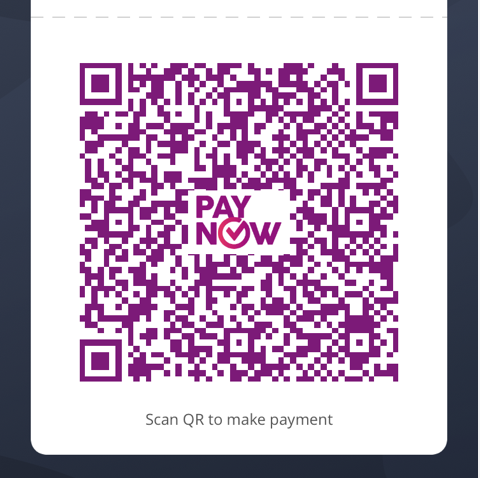
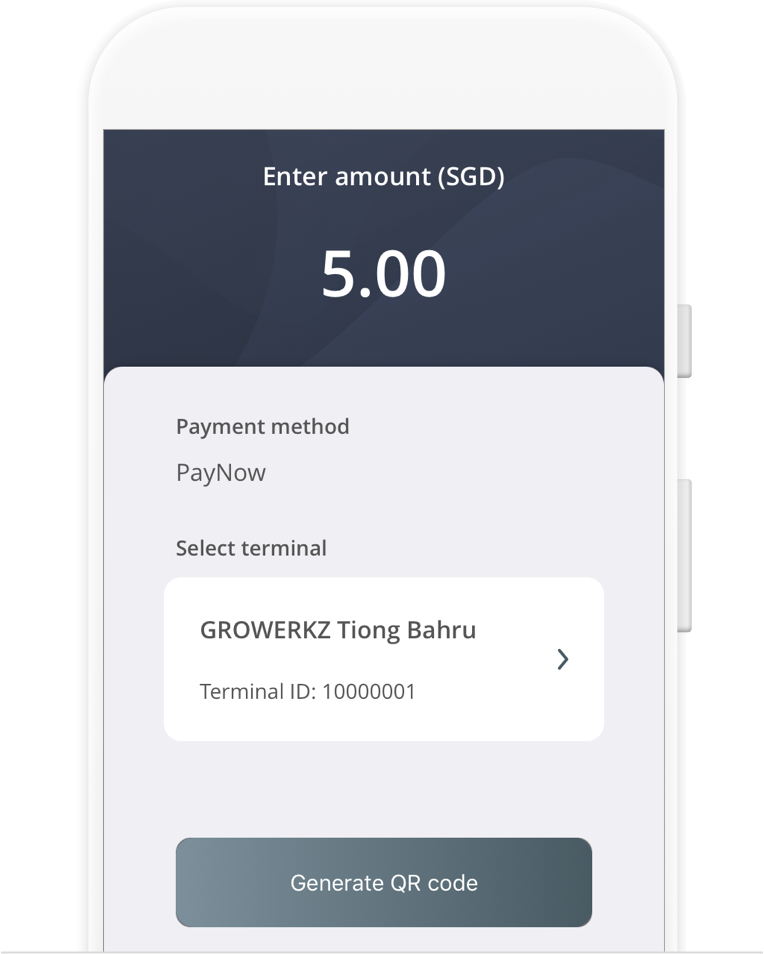
Tap on the dollar “$” sign icon within the main menu located at the bottom of the screen. When prompted, input the amount due for collection and click on the “Generate QR Code” button. A PayNow QR code will be created for your customer to scan and pay.

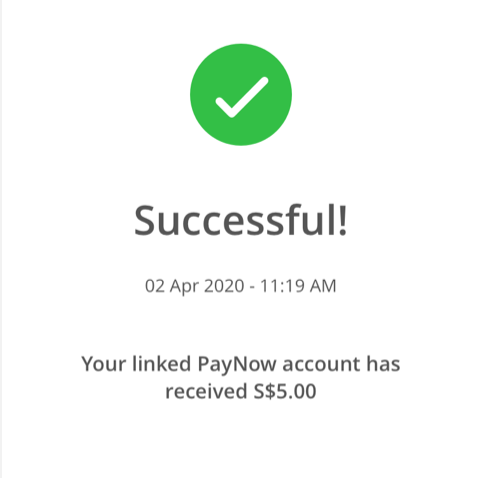
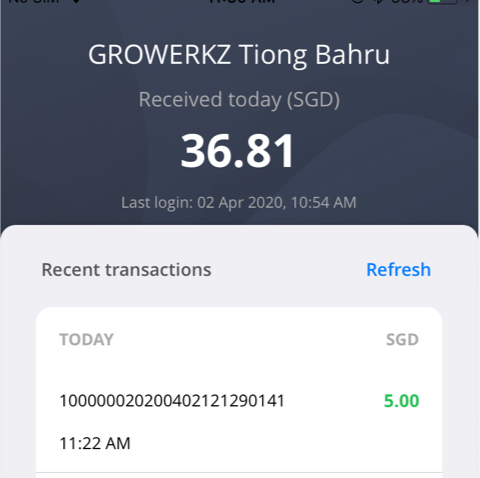
Once the fund has been credited into your linked PayNow account, a “Success” notification will be displayed on the app screen.

Download OCBC OneCollect User guide here


When does the bank credit the funds into my account?

The funds are credited to your linked PayNow account instantly.


Can I take a screenshot of the PayNow QR to send it to someone to make a payment?

Although this is not advised, you may perform screenshots only on iOS-Apple devices. For security reasons, OCBC OneCollect does not allow any screenshots on Android devices.


Apart from the “Success” screen and notification, where can company staff further view transaction history?

Your staff can tap on the “Transaction” icon within the main menu located at the bottom of the screen to view the historical transactions which are sorted by date and time in descending order.


How do I perform a refund for a transaction?

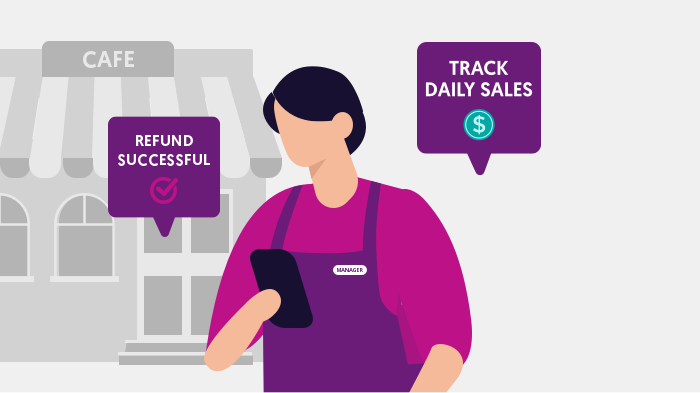
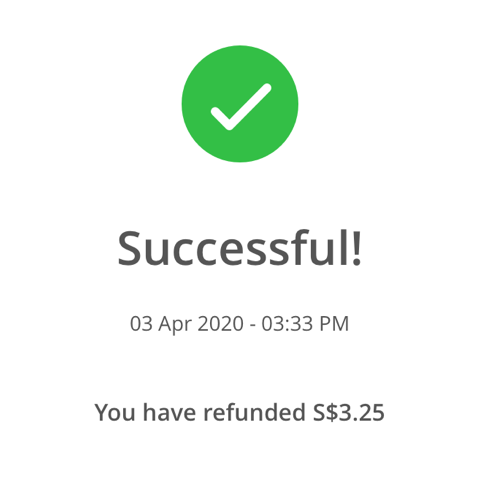
You can perform a refund only on any historical OCBC OneCollect transactions that took place up to 6 months ago. You can access the refund by first tapping on any transaction either on the “Home” screen or the “Transaction” screen. Tapping on any particular transaction will bring up transaction details, where the “Refund this transaction” button will be made available. Please note that an authorization OTP is needed, and these OTP will be sent to either a “Admin” or “Manager” profile.


How many times can I do a refund for a transaction?

There are no restrictions on how many refunds that you can make, but you can only make a refund on a specific transaction only once.


How does my cashier perform the end-of-day reconciliation in OCBC OneCollect?

There is an accumulative amount shown on “Home” screen, as well as daily transaction totals on “Transaction” screen. If there is any dispute, or the need for further information on any particular transaction, your company staff may view the itemised historical transaction details sorted by date and time. A daily collection file in CSV format will be available on Velocity@OCBC for download for previous day’s transactions.


Is the transaction history on OCBC OneCollect reflected in real-time?

Yes, it is updated in real-time.


How far back can I view my transaction history via OneCollect?

You can view your OneCollect transaction history up to last 6 months.


What reports can I get to perform my business reconciliation?

Merchants will be able to download an end-of-day reports for easy reconciliation from Velocity@ocbc the next day (available at 3 a.m.) under [location in Velocity@ocbc].


What is the transaction description being displayed on the bank statements for OCBC OneCollect transactions?

All OCBC OneCollect transactions are also listed on the bank statements besides the end-of-day reports available on Velocity@ocbc. The unique QR reference number generated for every transaction on OCBC OneCollect will also be listed in the bank statement, along with the amount received and the name of your customer.


Is the OneCollect app accessible 24x7?

Yes.


Why am I unable to see a newly added terminal of a new company in the OCBC OneCollect App?

You need to logout and login again to refresh app for it to show the newly added terminal.


If I want to know more on how to use your OneCollect app, is there a User Guide to be provided?

OCBC OneCollect User Guide may be downloaded at the following link

Fees and charges

Are there charges for using OCBC OneCollect

A fee equivalent to 0.25% of the total value of funds collected through OCBC OneCollect will be deducted from your account on a monthly basis. (This fee is waived from now till 31 Dec 2020.)

Download full OCBC OneCollect FAQs here
OTHER PRODUCTS YOU MAY LIKE
Our awards and accolades